Project detail
Blueprint: Software Engineering Handbook and Study Planner
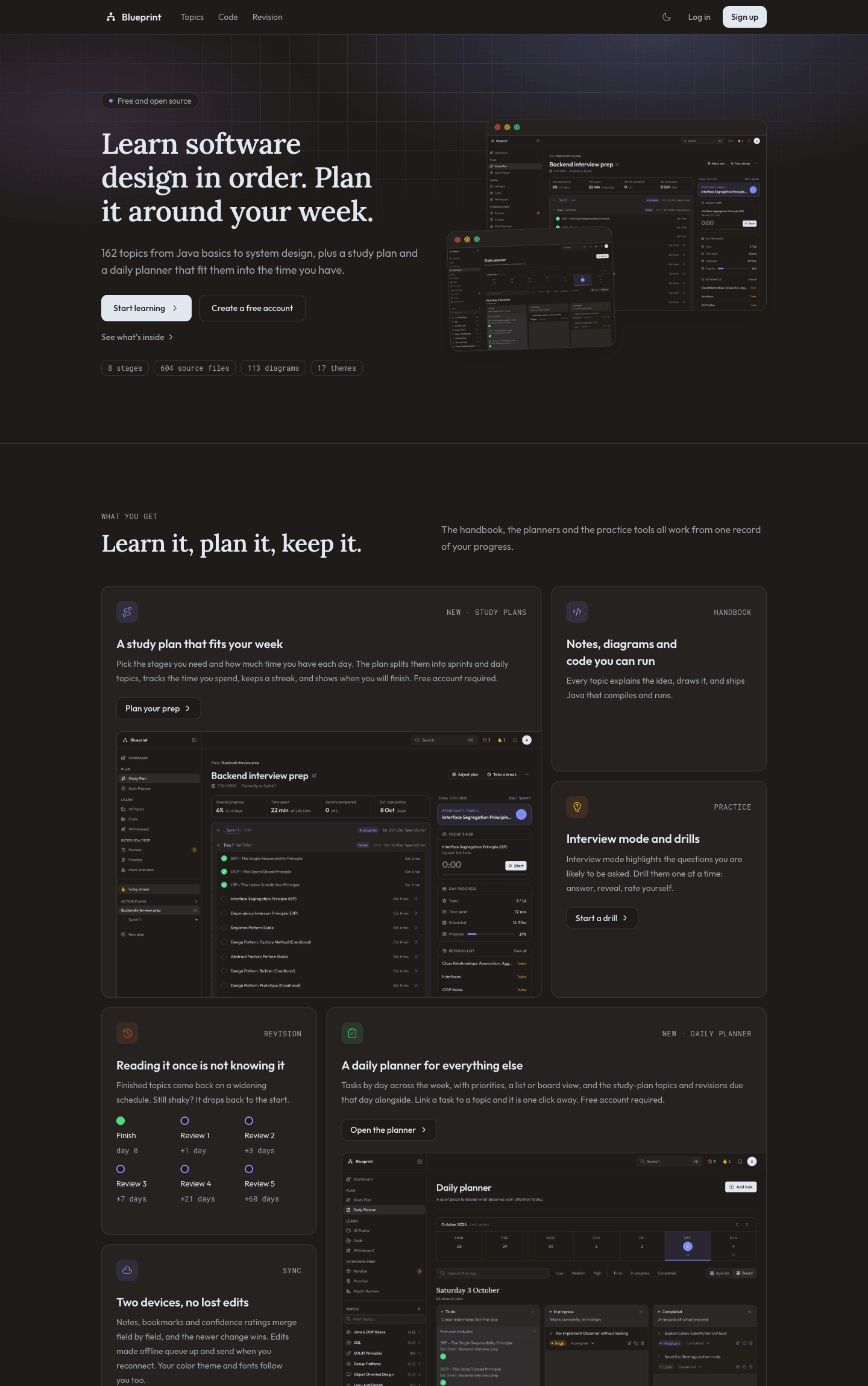
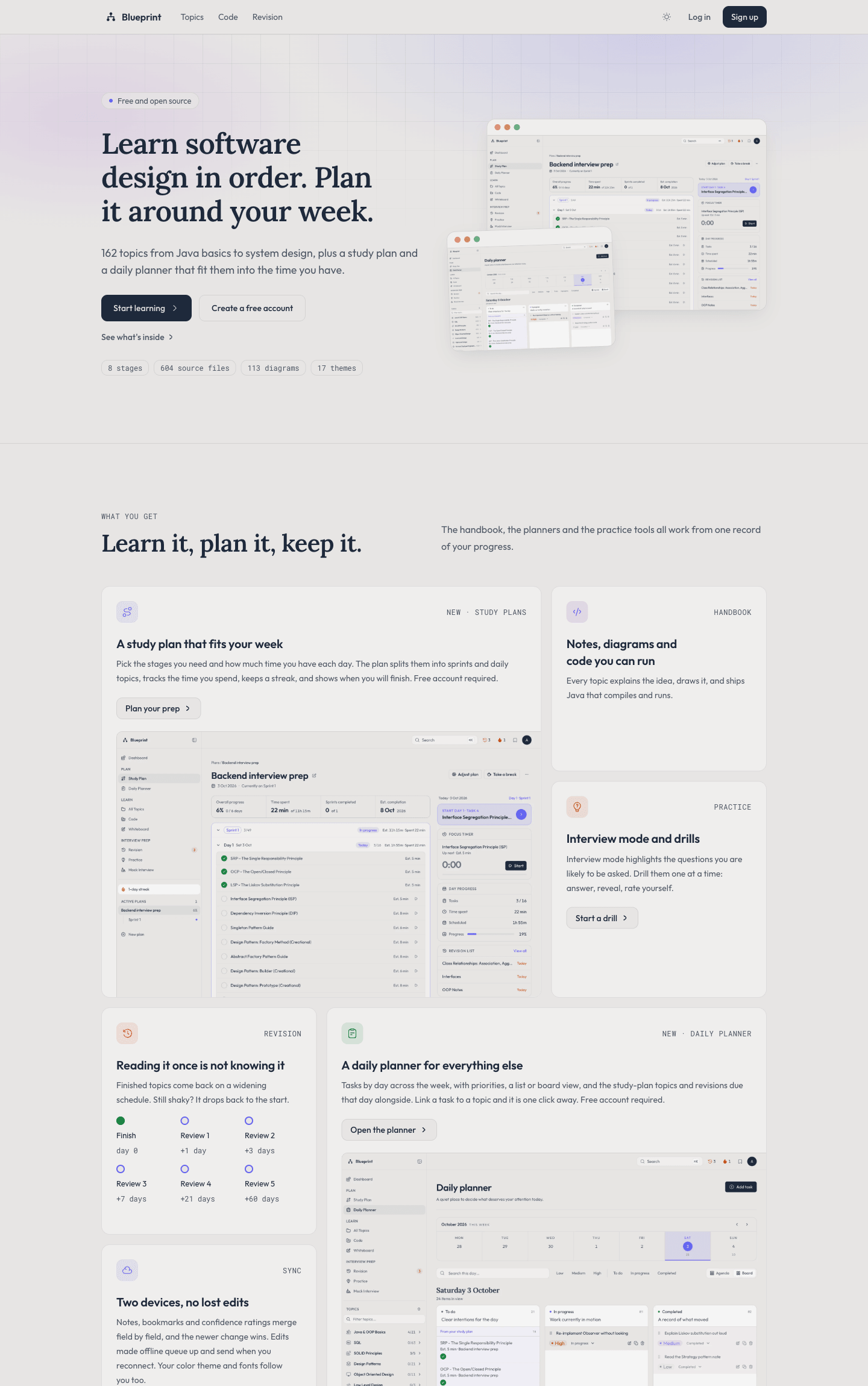
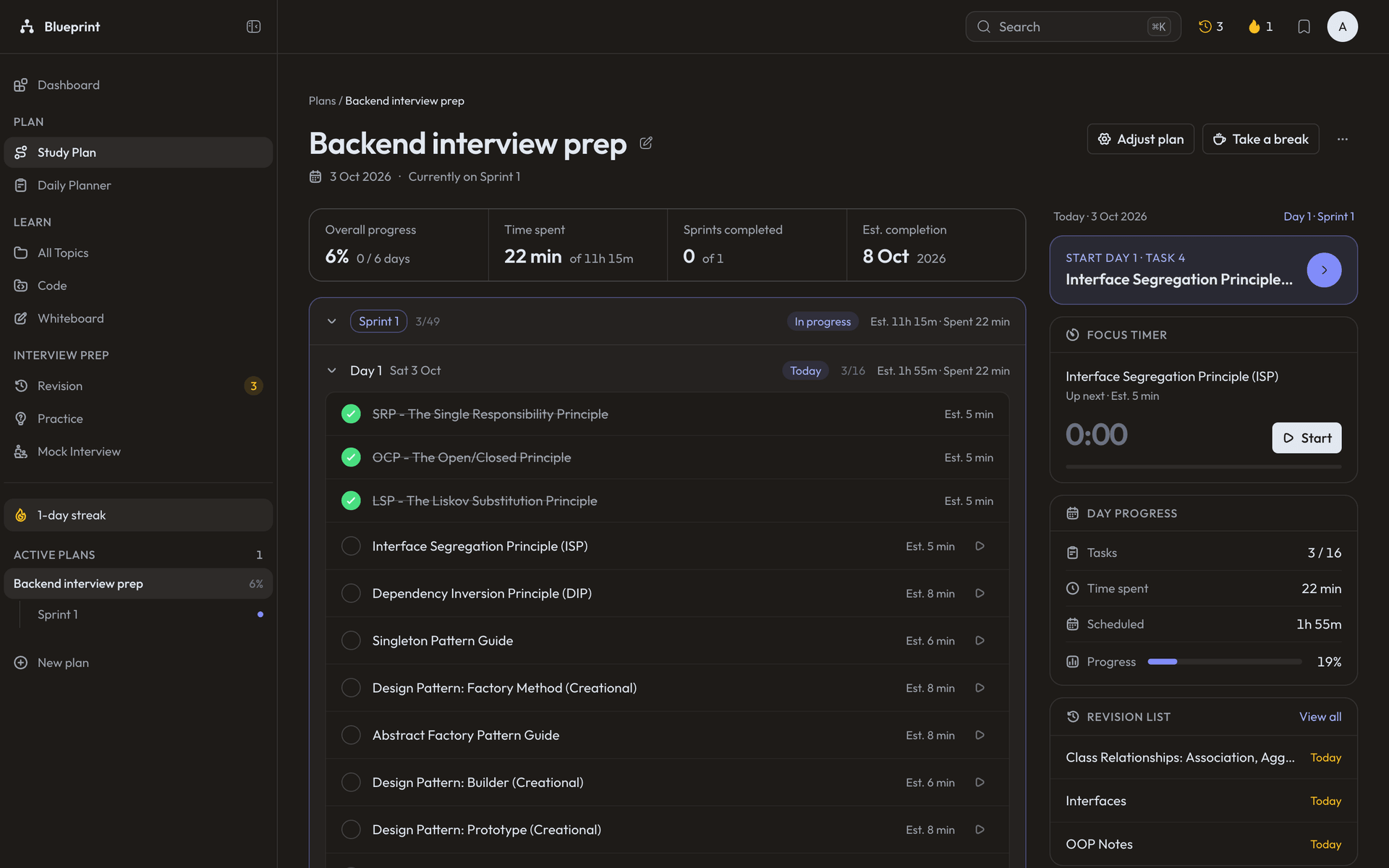
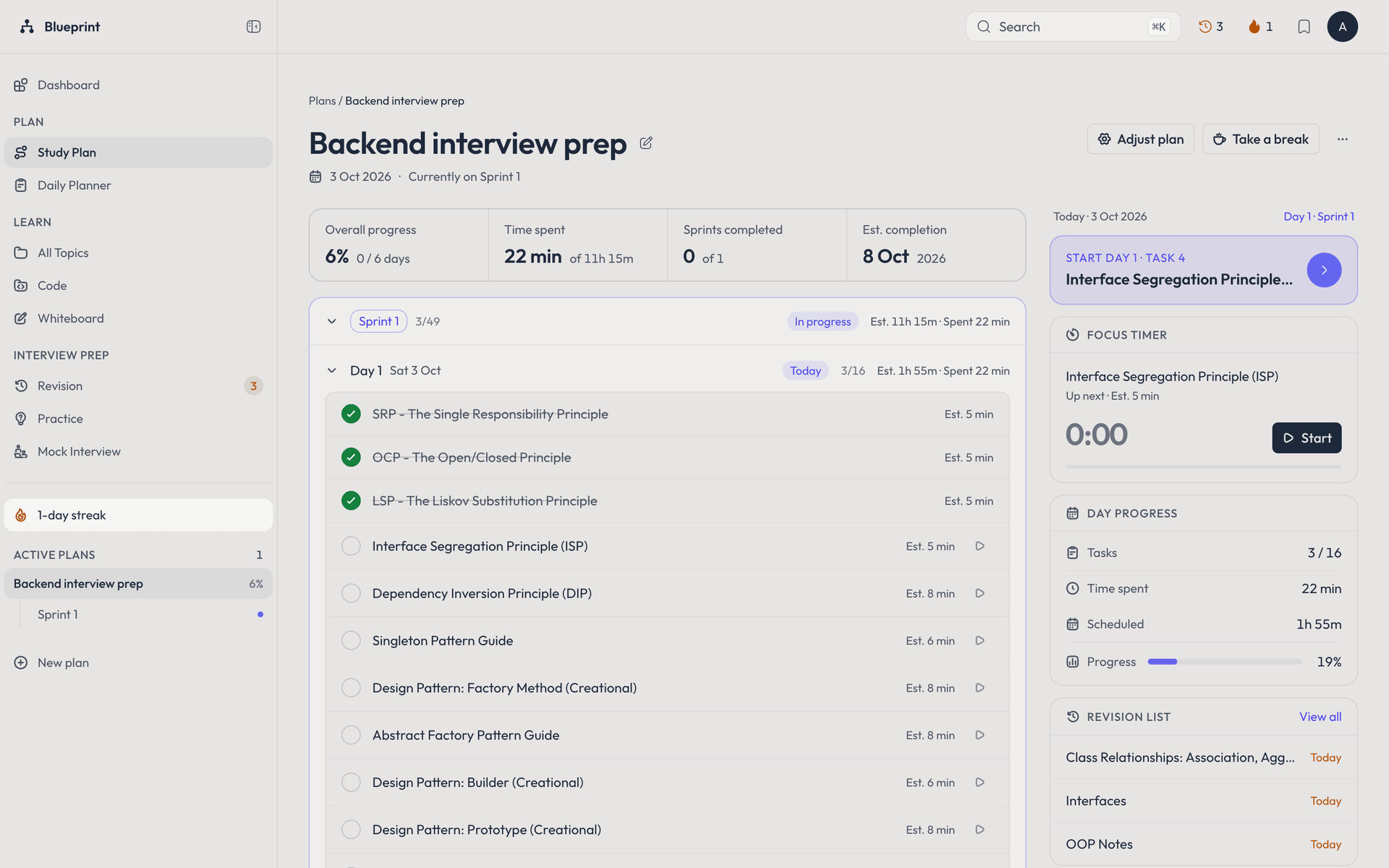
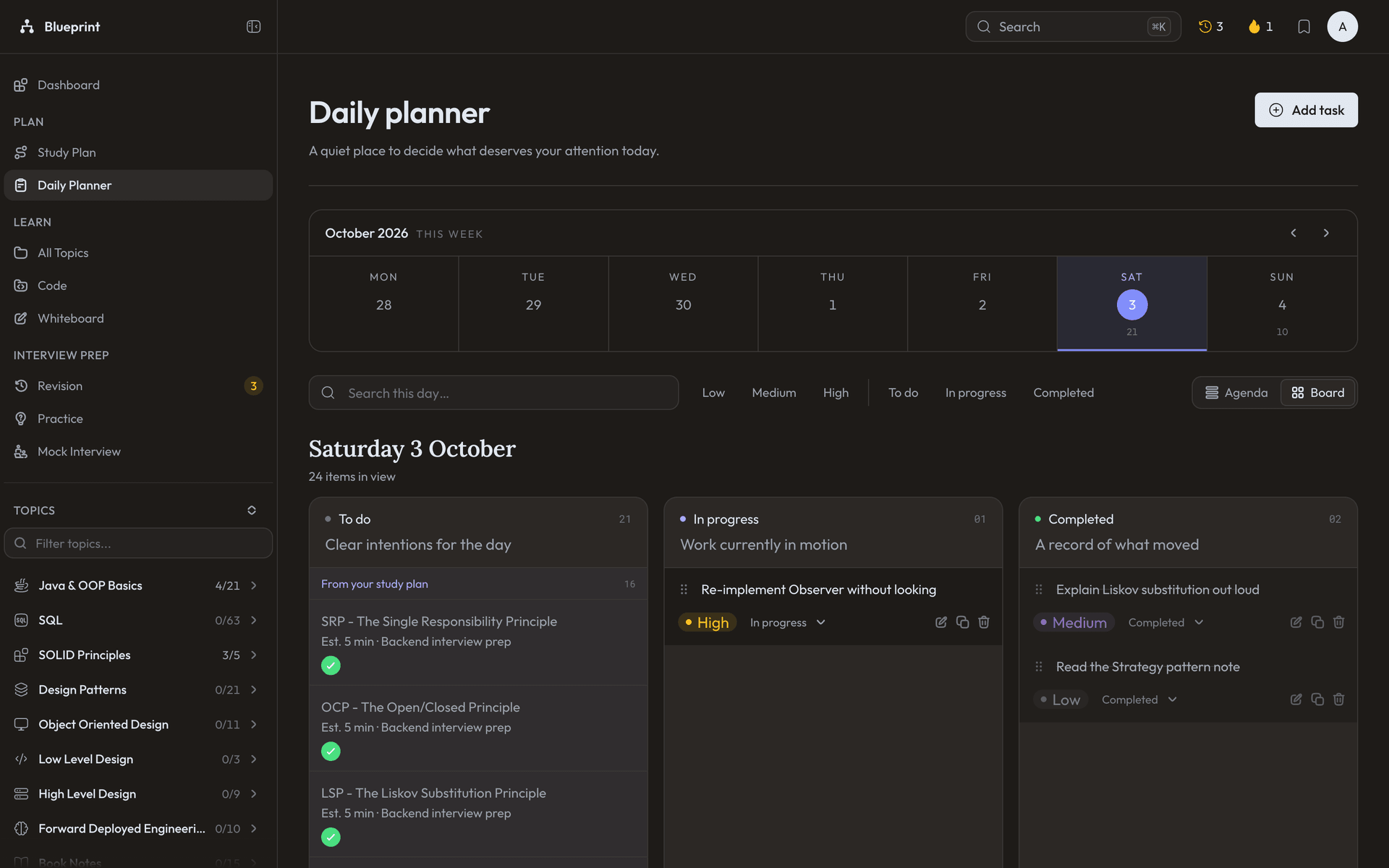
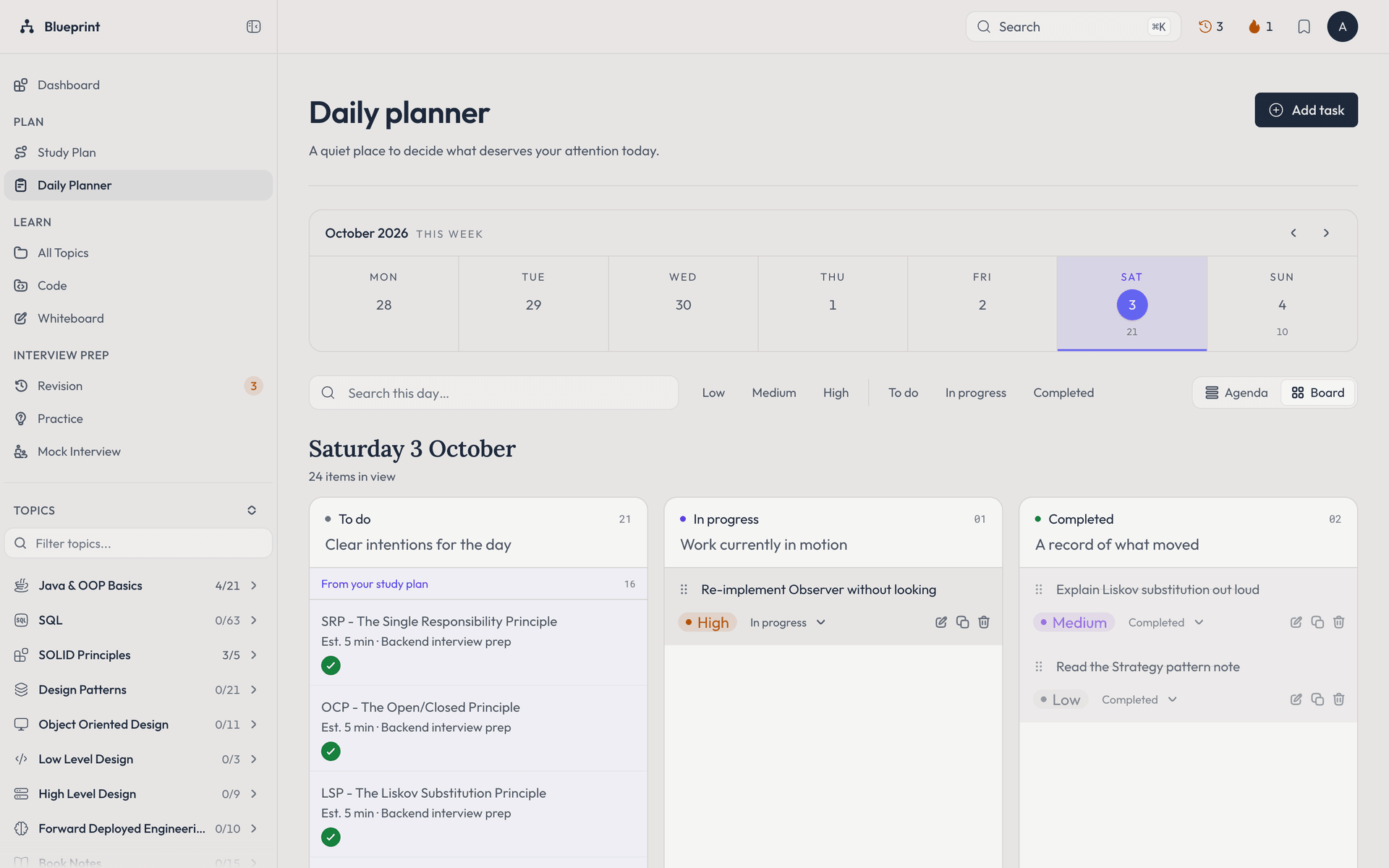
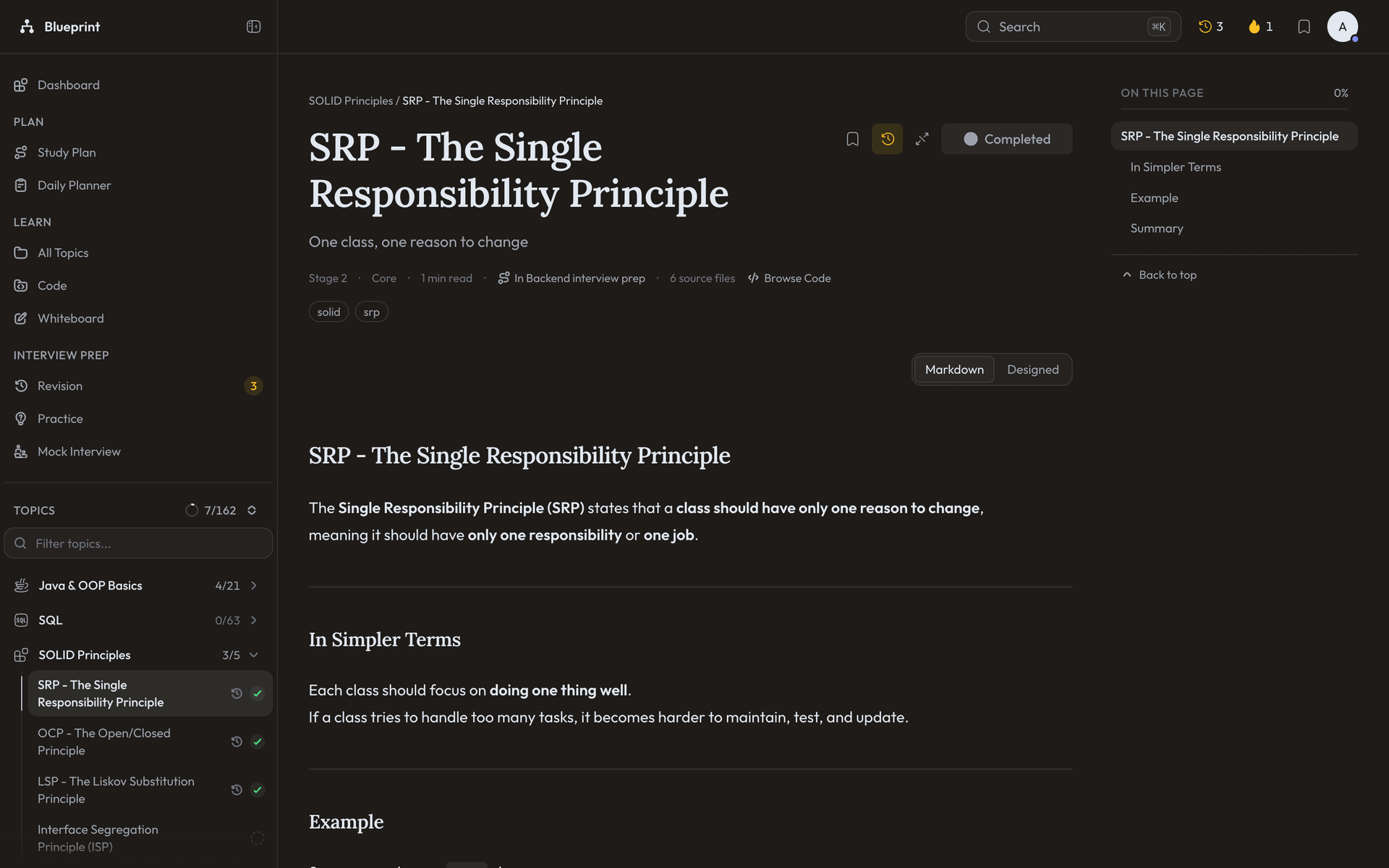
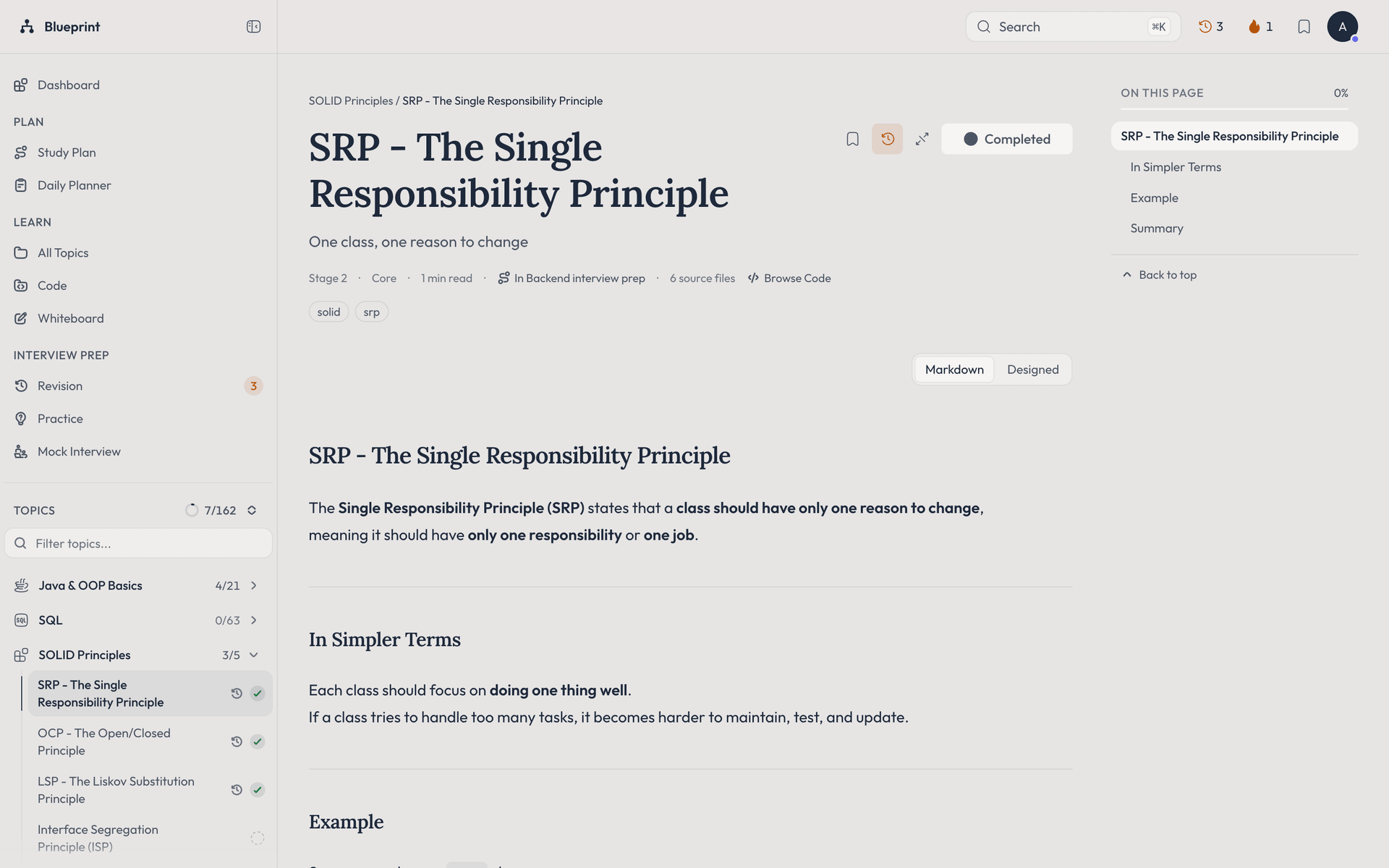
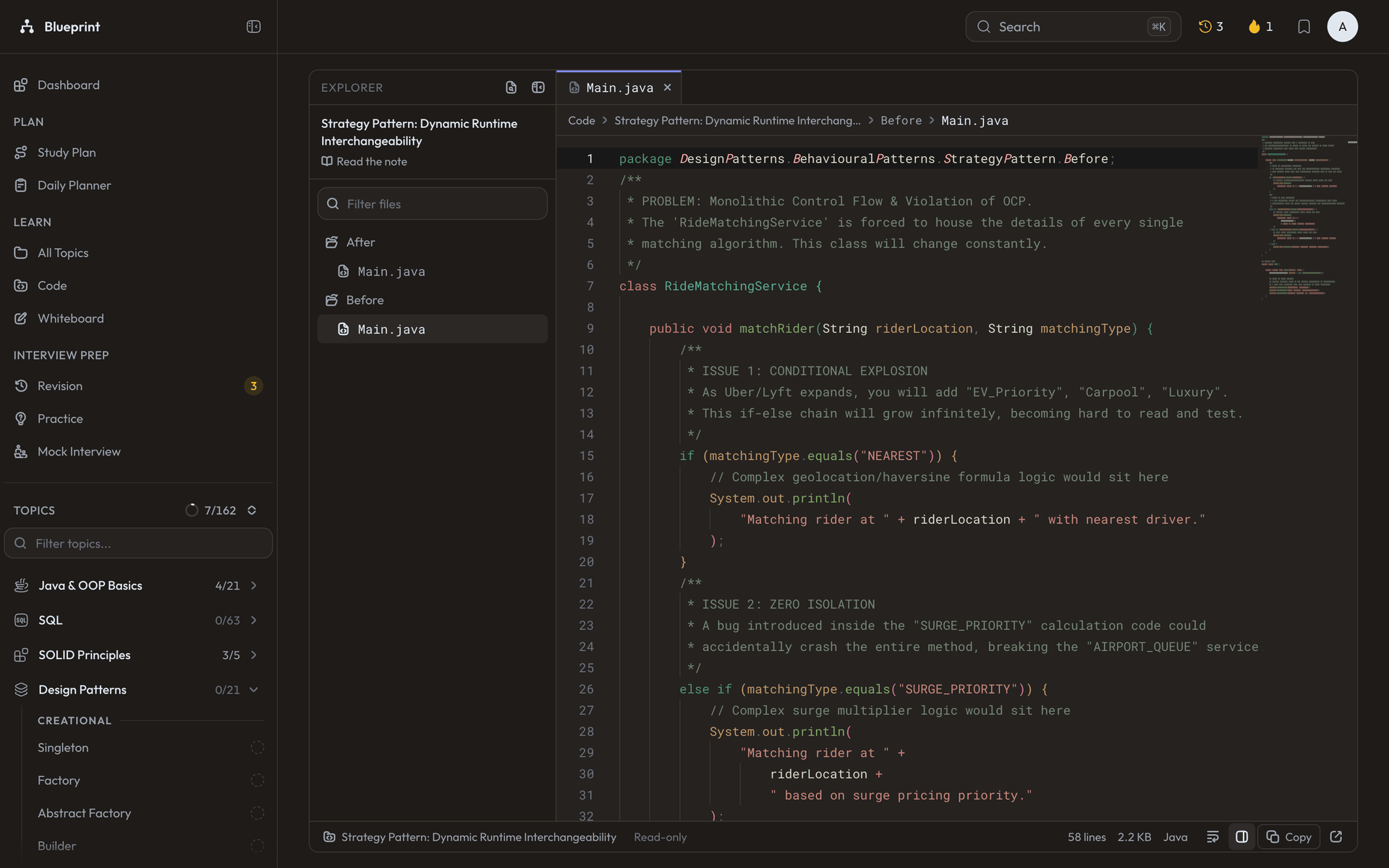
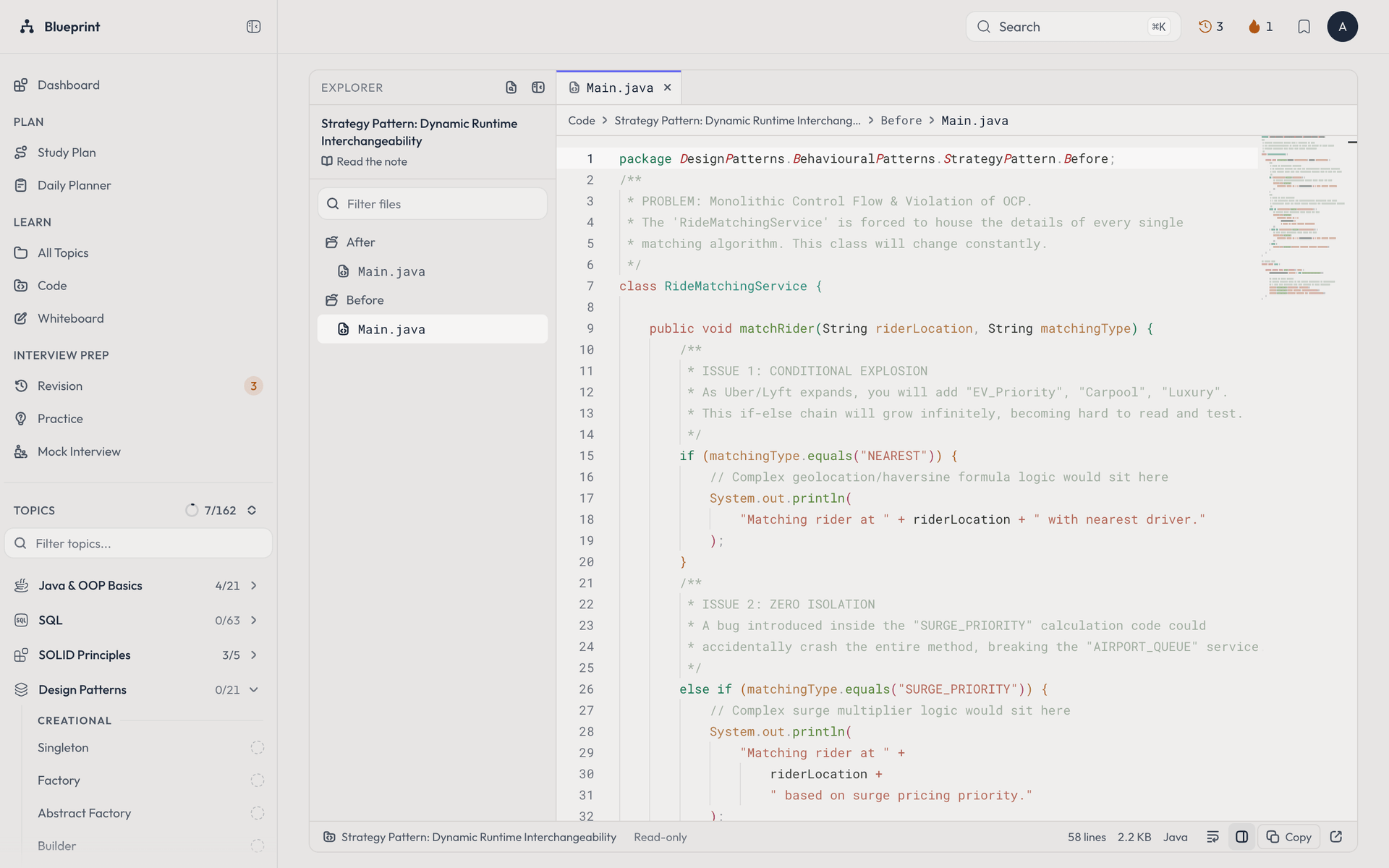
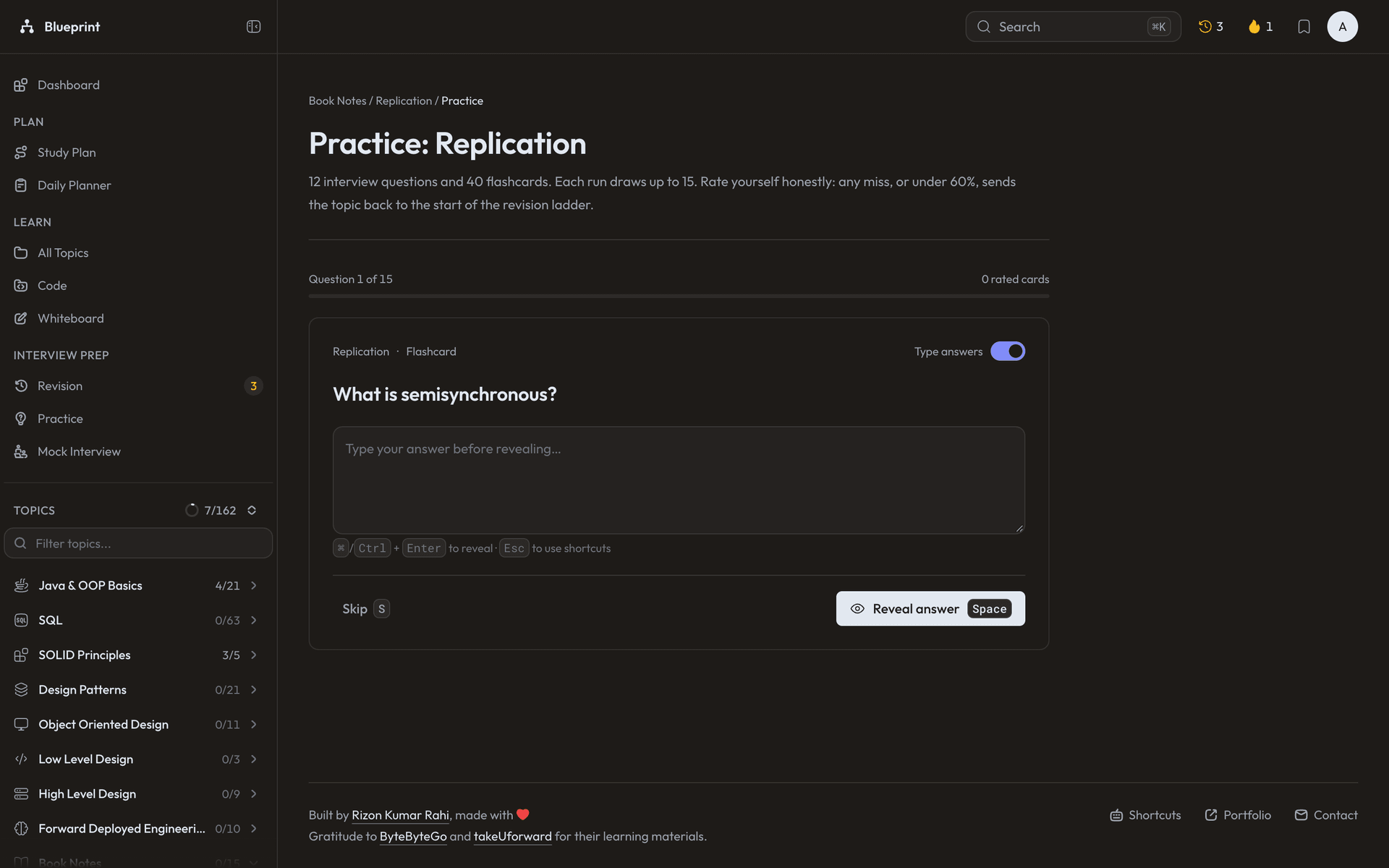
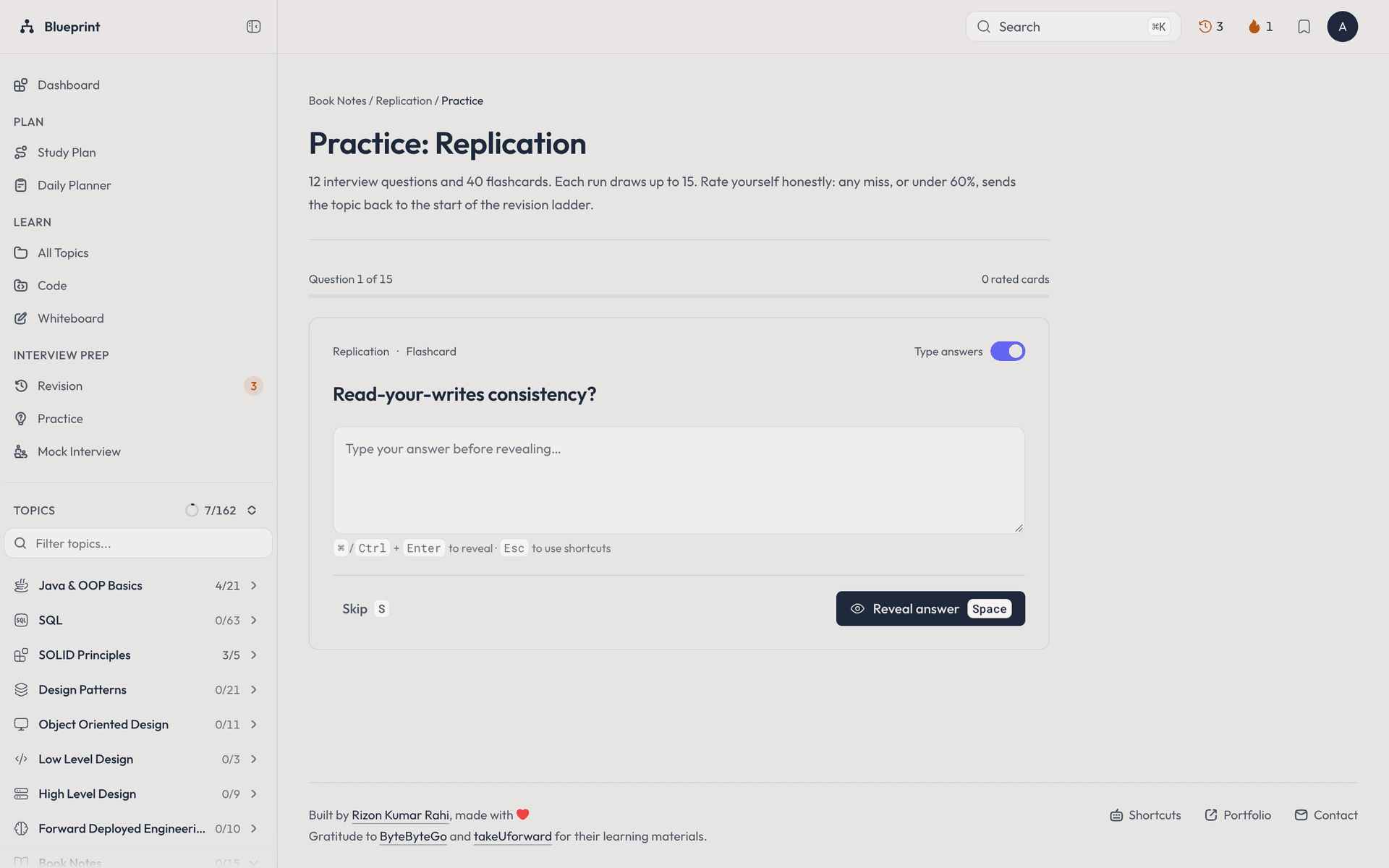
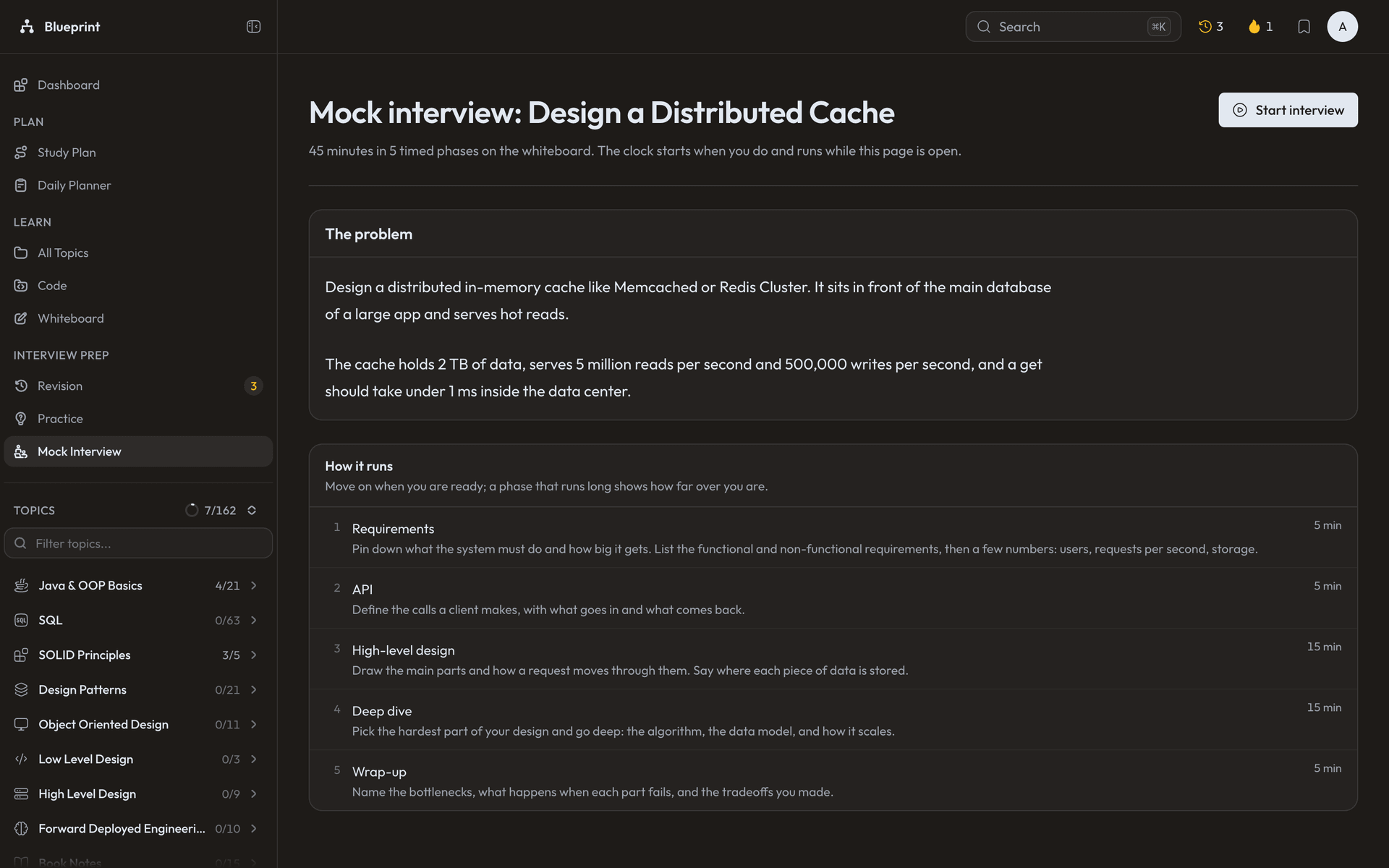
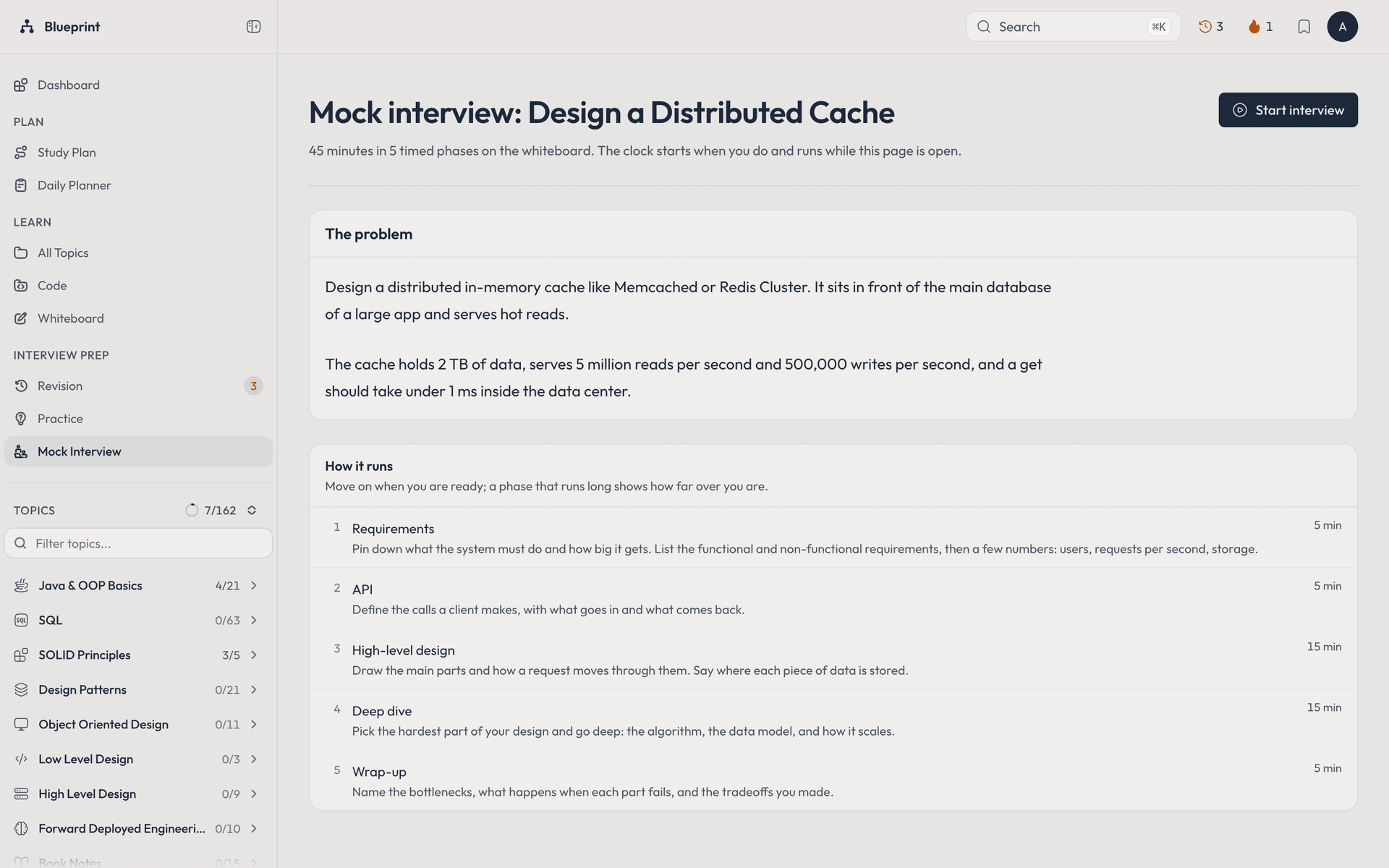
A free, open source handbook that teaches software engineering in the order you should learn it, with the planning, practice and interview tools built around it. The content is 162 topics across 8 stages, from Java and SQL basics through SOLID, design patterns, object oriented design, LLD and HLD, to Forward Deployed Engineering (building production systems around an LLM: tool calling agents, streaming, embeddings and vector search). Every topic pairs a plain English note with Mermaid diagrams and code that compiles and runs, 604 source files and 113 diagrams in total, readable in an in-browser code workspace. The Markdown lives in the repo and a build step turns its front matter into a typed content manifest and a search index, so adding a note is a commit, not a CMS entry. On top of the handbook sits a Next.js 16 app with Better Auth accounts on Neon Postgres through Drizzle, and progress syncs across devices field by field, so two devices never lose each other's edits. A study planner splits the chosen stages into sprints and daily topics that fit the time you have, tracks time spent and a streak, and projects a finish date; a daily planner holds everything else, with list and board views. Finished topics come back on a widening spaced repetition schedule, practice drills make you type an answer before you reveal it, and 54 timed mock interviews run on a whiteboard with architecture stencils and a scoring rubric. A dashboard leads with today, an activity heatmap and readiness per track. The app comes in 17 color themes, each in light and dark, with a choice of reading and code fonts, and the home page lets visitors try every theme live.
Technologies
Stack used
The core tools and frameworks behind this project.

Key Highlights
What it demonstrates
The main product, architecture, and delivery signals from this build.
- 162 topics across 8 stages, each with a note, diagrams and runnable code: 604 source files and 113 diagrams, browsable in an in-browser code workspace
- Content as code: Markdown front matter is checked and compiled into a typed manifest and a search index at build time, with a content check script that catches broken notes before they ship
- Study planner that turns chosen stages and a daily time budget into sprints and daily topics, with a focus timer, time tracking, streaks and a projected finish date
- Daily planner with list and board views, priorities, the study plan's topics for the day and tasks that link straight to a handbook topic
- Spaced repetition revision: finished topics return on a widening schedule and drop back to the start when you rate them shaky, with a due count in the top bar wherever you are
- Active recall practice: type your answer before revealing it, rate yourself, highlight passages and turn them into your own cards
- 54 timed mock interviews on a whiteboard with architecture stencils, a scoring rubric and a history of scores
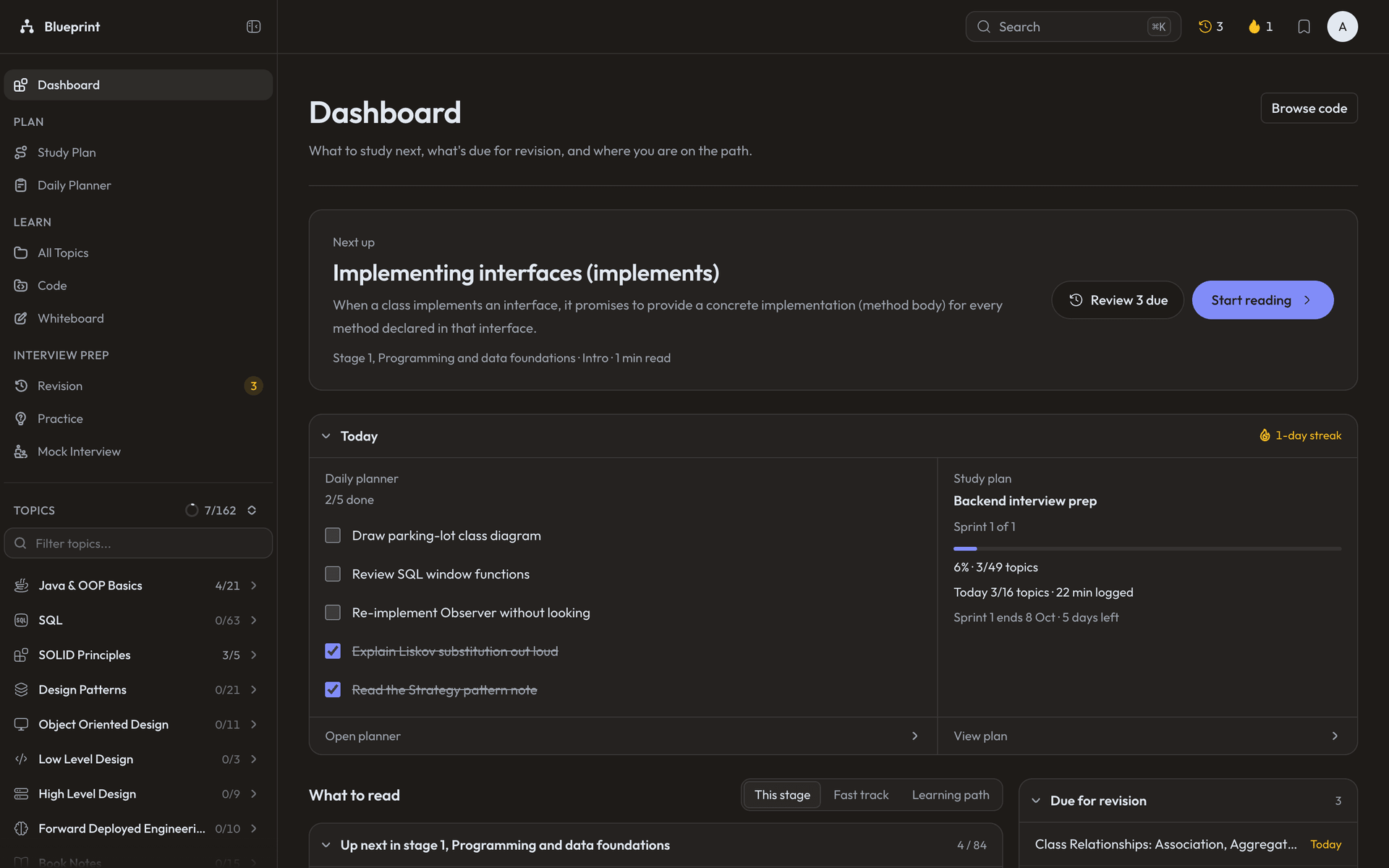
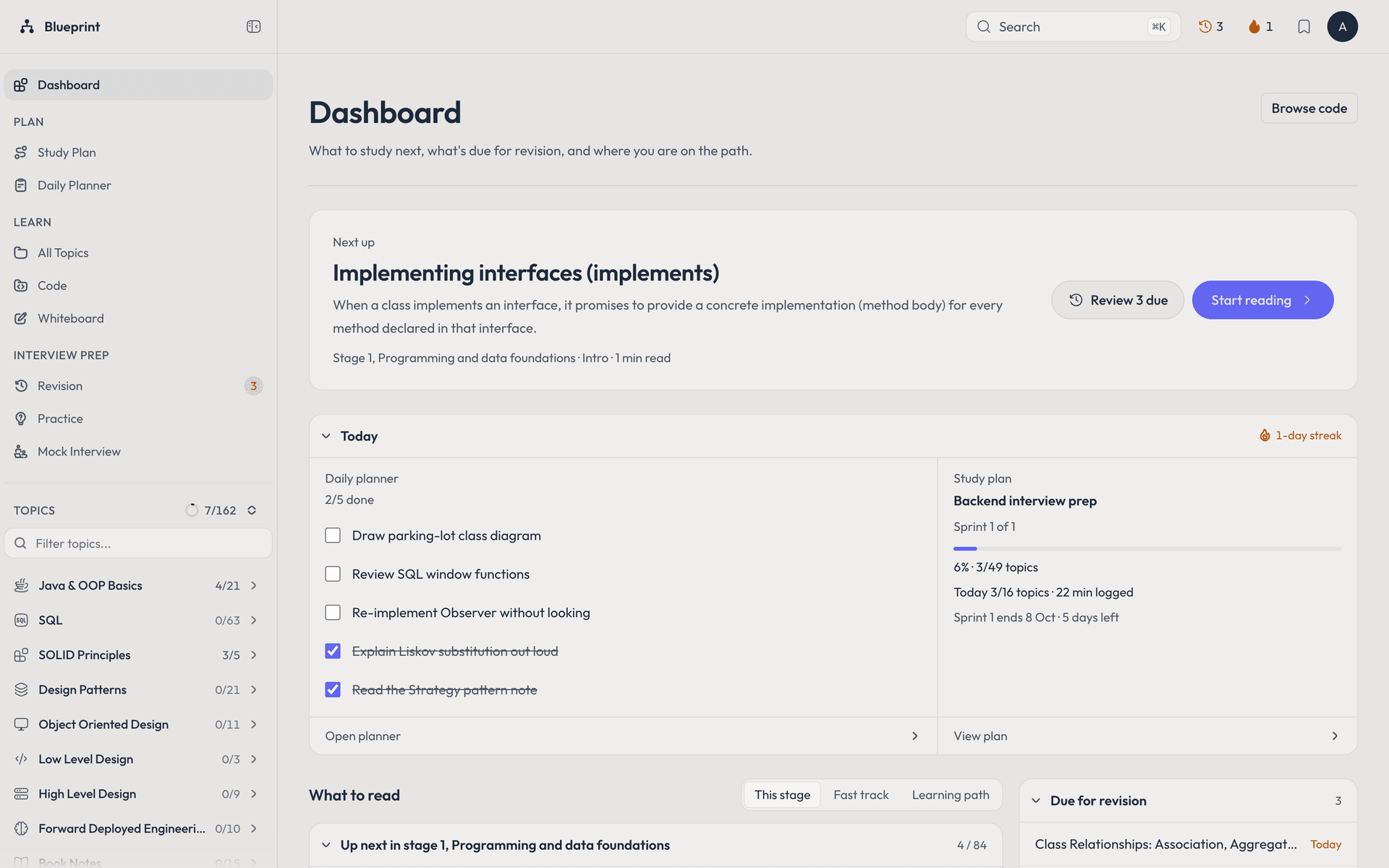
- Dashboard that starts with today, an activity heatmap and interview readiness per track
- Progress, plans, notes and highlights sync across devices field by field, so edits made offline or on two devices are never lost
- 17 color themes, each in light and dark, plus interface and code fonts; visitors can try every theme live on the home page
- A grouped, foldable sidebar for navigation and a top bar for search (command palette), reviews due, the library and account settings
- Forward Deployed Engineering track with example code in Spring Boot, Node.js and Python, including a sandboxed tool calling agent that checks every file path against the real disk location
Roadmap
Planned improvements
Next useful additions and production-hardening ideas for the project.
Screenshots
Product walkthrough
Screens from the actual project, preserved as a visual record of the interface.
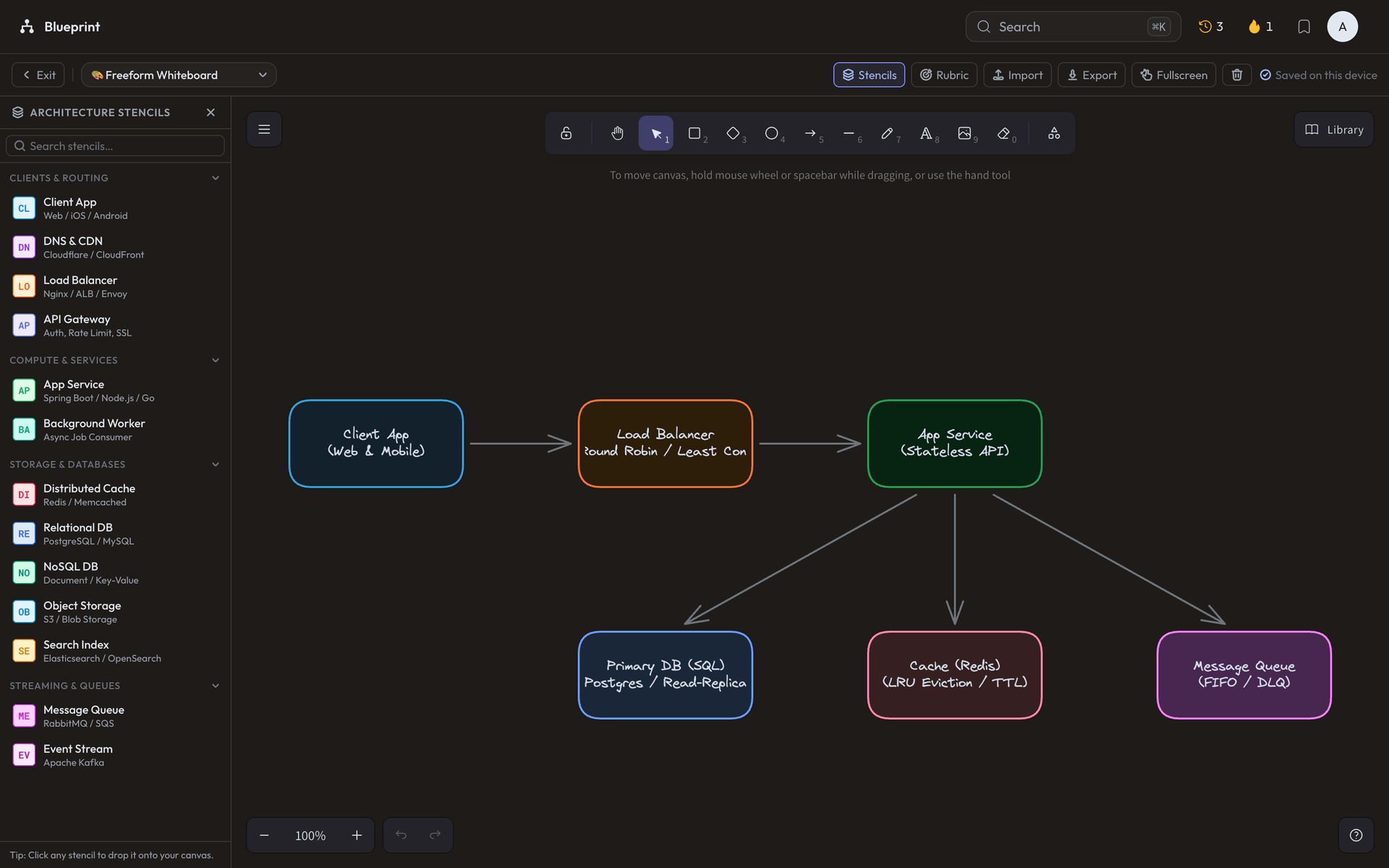
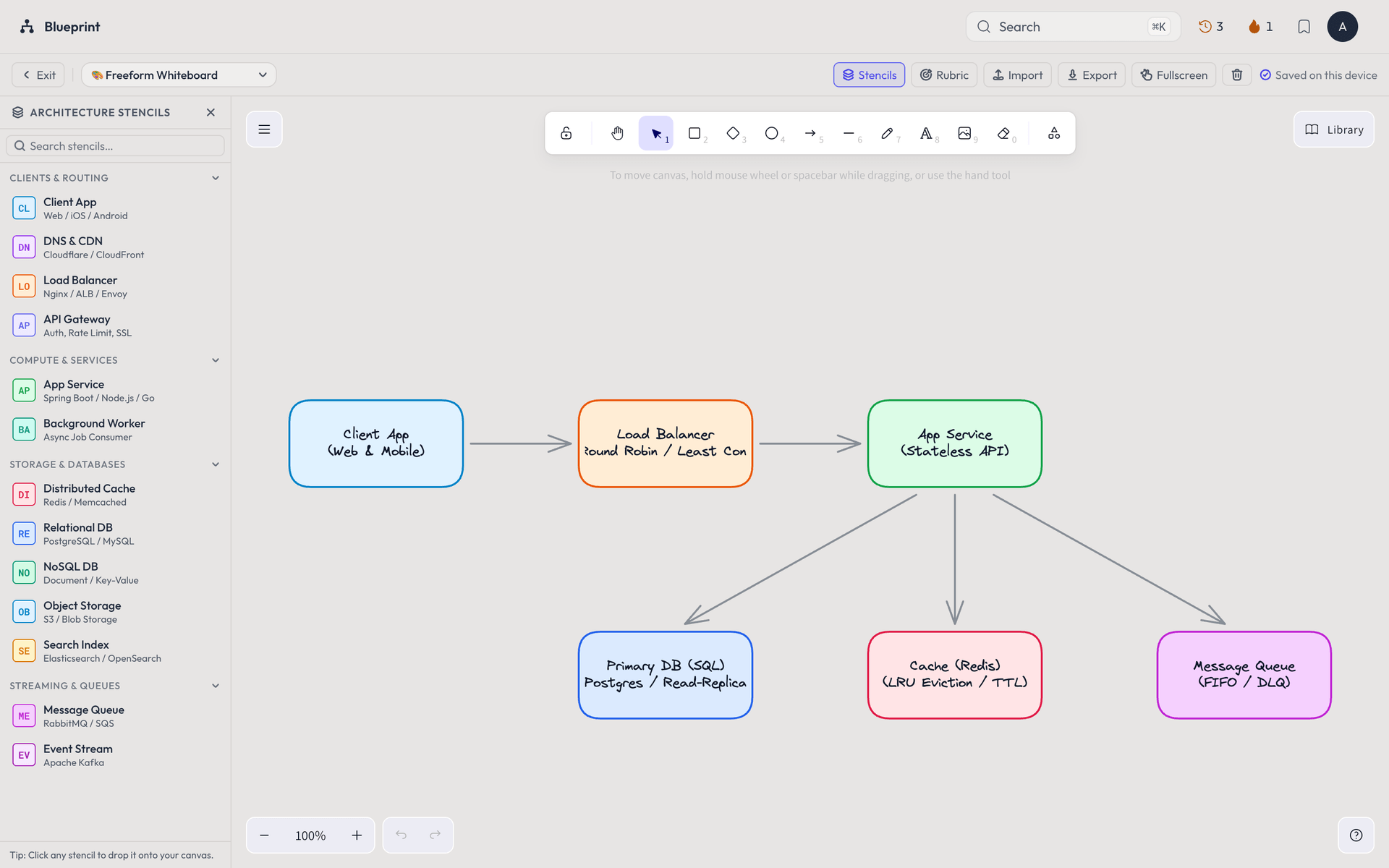
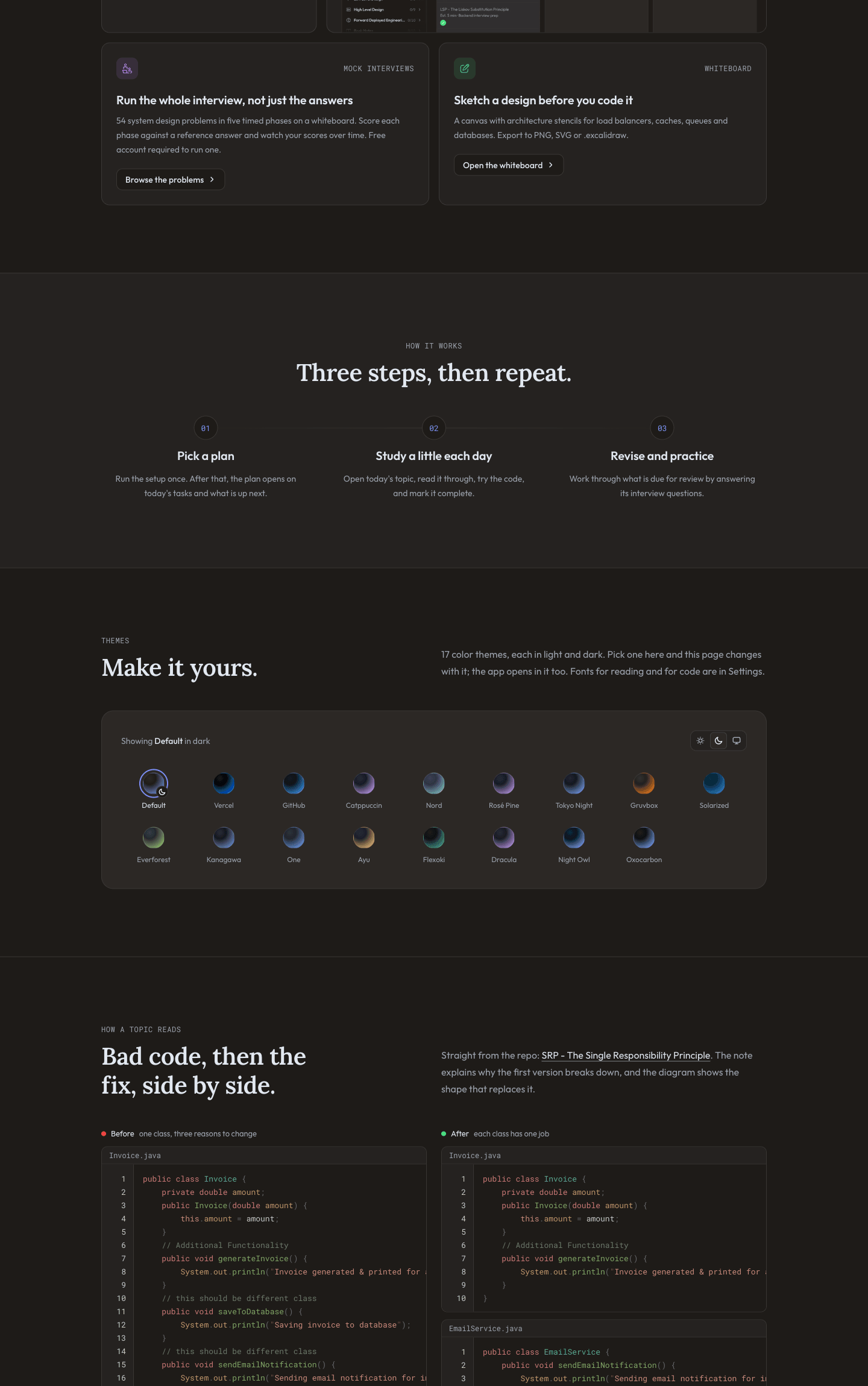
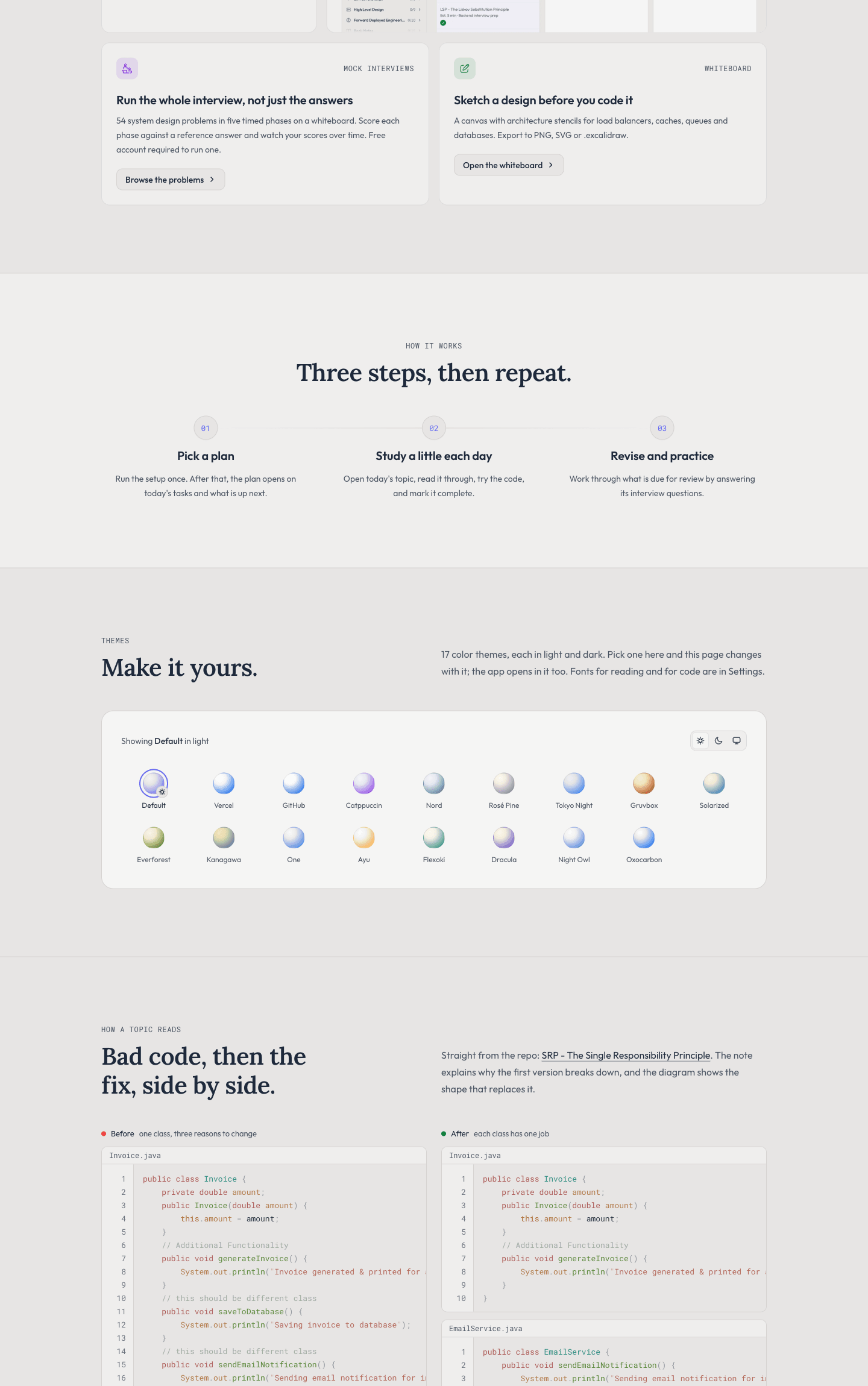
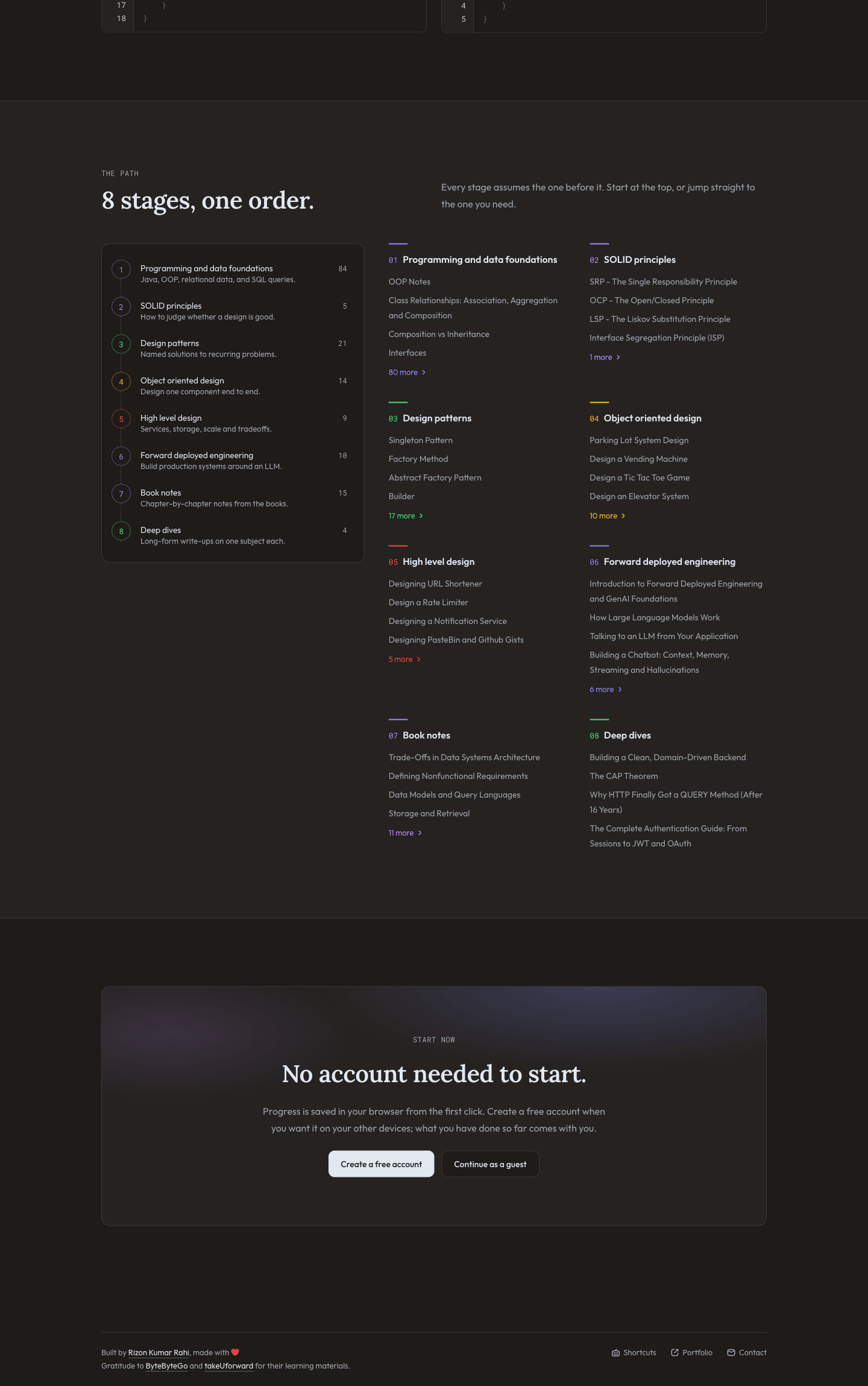
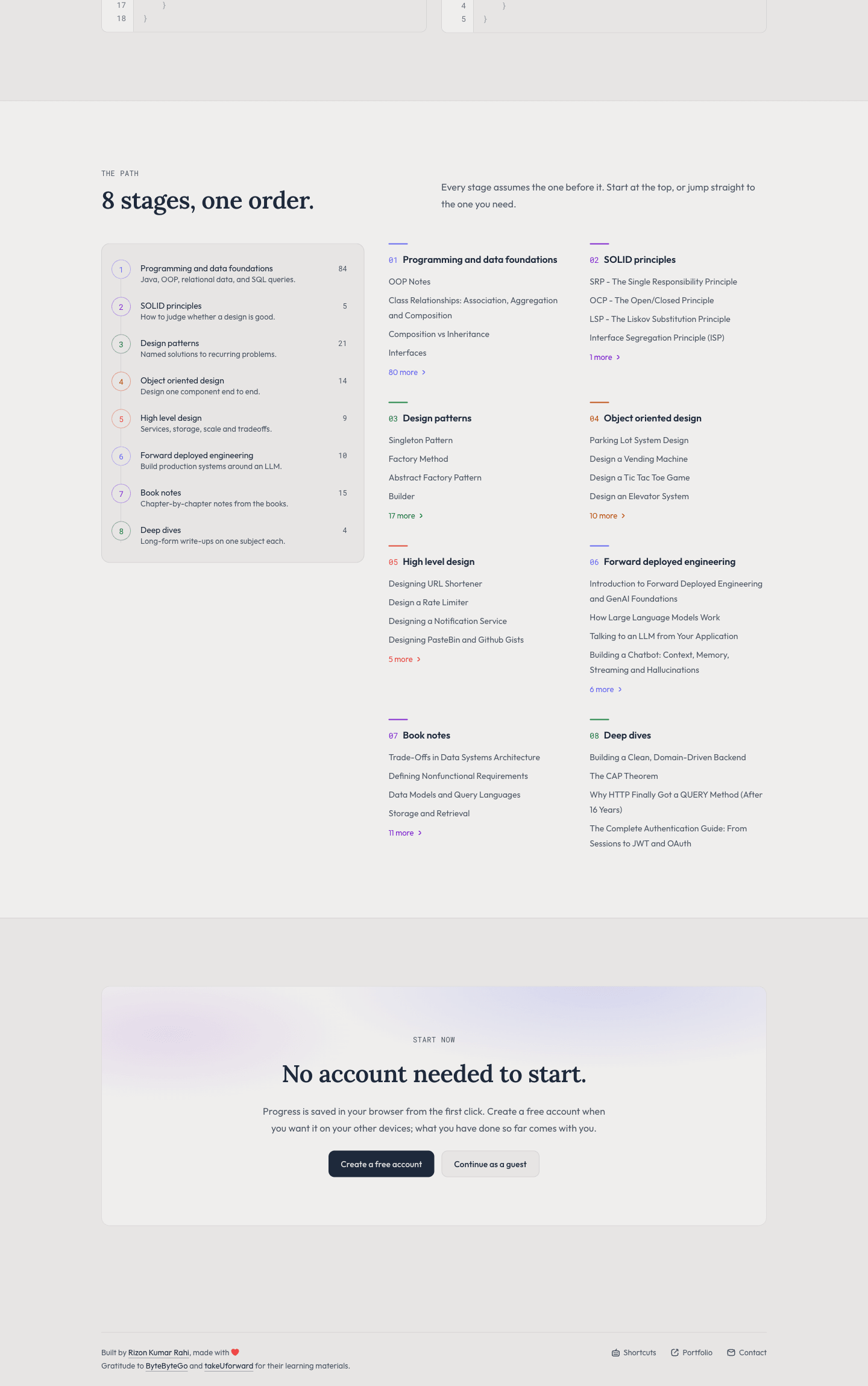
Swipe on touch devices or use the controls to browse screenshots